
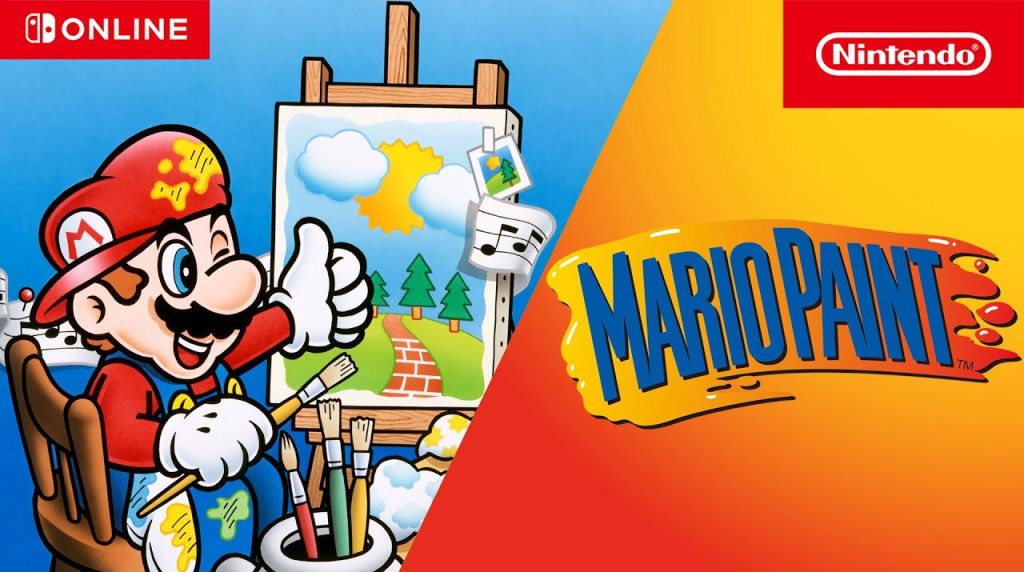
Nintendo just released one game on the Nintendo Switch Online Super Nintendo Entertainment System – Nintendo Classics App. Let’s have a look!
Here’s what I thought of this game:
Super Nintendo Entertainment System – Nintendo Classics App
| Game | Genre | # of Players | Score |
|---|---|---|---|
| Mario Paint | Art Application | 1 | B |
tl;drMario Paint is pretty mediocre by today’s standards if purely judged as an Art Creation Application. However, it’s far more than that – an Animation Creation Application, a Music Creation Application, and even the catchy Arcade-style minigame “Coffee Break”. Be aware that you can only play this if you use a plug-and-play USB mouse, or if you use the Nintendo Switch 2’s Joy-Con 2 controllers in mouse mode. However, if you can, it’s definitely worth a try, as it’s full of personality and variety. | |||
When we found out about the Nintendo Switch 2 and its Joy-Con 2 Controllers’ ability to do “mouse mode”, quite a few players with nostalgia for the Super Nintendo speculated about the possibility of Mario Paint coming to Nintendo Switch 2 in some form. But I don’t think anyone suspected that we’d get it on the original Nintendo Switch as well!
Make no mistake, at least some of the giddiness about playing Mario Paint on a modern Nintendo platform comes from the novelty, and some from pure nostalgia. The game originally released in 1992, just a few months after PCs received Windows 3.1, and many players were still unfamiliar with using a mouse – Nintendo touted Mario to parent-teacher groups not only as an art and creativity tool, but a way to teach kids how to use computer mice in a safe, accessible environment.
As such, it should come as no surprise when I tell you that Mario Paint pales in comparison to the sorts of tools available to modern-day aspiring artists on PC, even those available for free. The screen resolution and color palette are highly limited, animations could only have 9 frames at most, music compositions could only use a limited number of notes and sounds… in short, this is a game better-suited for youngsters just wrapping their heads around these sorts of tools, not a seasoned pro looking to create their next masterpiece.
Having said that, Mario Paint does an excellent job making all of its tools accessible and easy to use, even if they are limited in their use. And I know that some artists online have seen Mario Paint’s limitations as a challenge, and have crafted some beautiful artworks within those limitations. Plus, the game is absolutely overflowing with lovable charm, from the brief animation that plays when you open the game, to the undo button being the “Undodog” character (who made cameo appearances in later games too), to the catchy music you can choose to have playing in the background as you work, to the surprisingly compelling simple “Coffee Break”/”Gnat Attack” Arcade-style minigame.
Players who want to play Mario Paint will need a mouse, though – this game doesn’t work with a standard game controller. Thankfully, you have a few options. On both Nintendo Switch and Nintendo Switch 2, you can plug in a plug-and-play USB mouse, which works without any installation. In addition, Nintendo Switch 2 players can use a Joy-Con 2 controller in mouse mode. Either way, the game plays just as you’d expect… though be aware that the only buttons it will recognize are the left and right mouse buttons. Oh, and for those wondering, no this game won’t work with the touchscreen, I checked.
There is one other benefit to this game finally releasing on Nintendo Switch – it is now super-easy to save your creations beyond the game’s limited built-in memory by taking a screenshot or recording video of your music or animation, and then sending it to the Nintendo Switch app on your smartphone. From there, you can take your work and edit it further or share it on whatever software or social media platform you like.
Will Mario Paint be for everyone? Certainly not. Apart from the fairly simple Coffee Break minigame, there’s not much actual game here, and you’ll likely be able to explore all of Mario Paint’s features within an hour or two, if that. And even artistic types might feel like this software has aged to the point where its limitations make it obsolete. However, there’s a reason so many players remember Mario Paint fondly, and it’s such a joyful little game that’s it’s something that I think many are rightfully celebrating finally being officially ported to a modern platform.
Also, as an additional side-note, this update also adds mouse support to Nobunaga’s Ambition and Mario’s Super Picross, as well as adding the ability to change button inputs for all games on the app.
Overall, this is definitely a great update for the Super Nintendo app.
tl;dr – The SNES app gets one game this month, Mario Paint. It works with a plug-and-play USB mouse or with the Nintendo Switch 2’s Joy-Con 2 controllers in mouse mode, and while it is extremely limited compared to what you can find in modern art applications, it’s so overflowing with charm and accessibility that it’s still worth a look, especially for younger aspiring artists. Definitely a great addition to the Super Nintendo app’s library.
You can support eShopperReviews on Patreon! Please click HERE to become a Sponsor!
This month’s sponsors are Jamie and His Cats, Ben, Ilya Zverev, Andy Miller, Homer Simpin, Johannes, Francis Obst, Gabriel Coronado-Medina, Jared Wark, Kristoffer Wulff, and Seth Christenfeld. Thank you for helping to keep the reviews coming!
 eShopperReviews
Leave a comment